Question 1
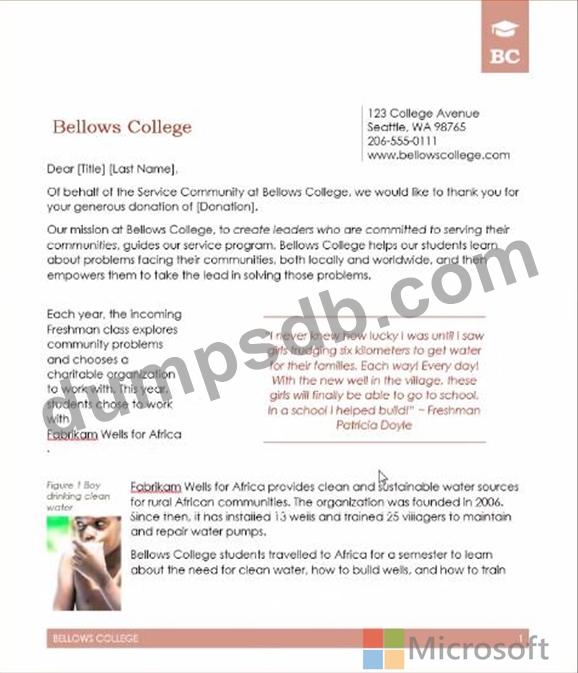
Display the caption 'Figure 2 Patricia Doyle and friend'' below the second photo in the document. Note: Word automatically adds the text Figure 2.
Question 2
Create a mail merge recipient list that contains one entry with the first name "Paula" and the last name "Bento". Save the list in the default folder as "Snowboarders*. Leave the field structure of the recipient list intact.
Question 3
Create a character style named ''Warning'' that applies the Arial Black font and Color Dark Red (from the Standard Color palette).
Save the style in this documents only.
Question 4
You are creating a donor appreciation document for a college.
Use a Word feature to replace all nonbreaking spaces in the document with regular spaces.

Question 5
To the right of "Figure 1'. select the paragraph that begins 'Bellows College students'. Configure the pagination options so that all lines of the paragraph will always stay together on the same page.