

Question 6
You are creating a presentation about landscape products.
Create a section named ''Structures'' that includes only slides 3 and 4.
Question 7
On slide 3, apply the Jump & Turn animation effect to the 3D model.
Question 8
On the ''Price Comparison'' slide. In the content placeholder, create a 3-D Clustered Column chart that displays on the table content.
You may copy and paste or manually enter the table data in the chart worksheet.
Question 9
On slide 4, apply the inside: Top shadow effect to both arrows, Set the shadow distance to 3 pt.



Question 10
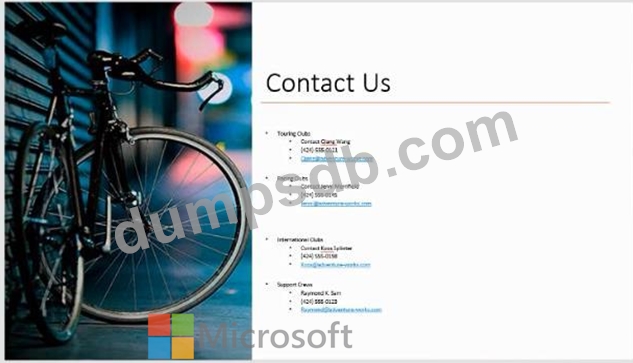
On slide 8, format the bulleted list to display in two columms.