

Question 206
You have a Microsoft 365 E5 subscription that contains the groups shown in the following table.
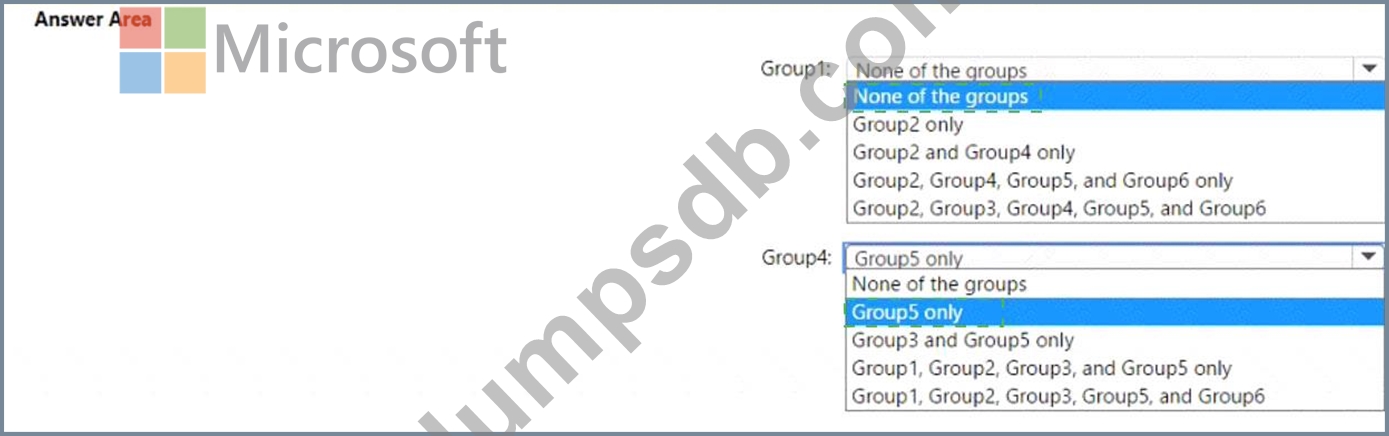
Which groups can be members of Group1 and Group4? To answer, select the appropriate options in the answer area.
NOTE: Each correct selection is worth one point.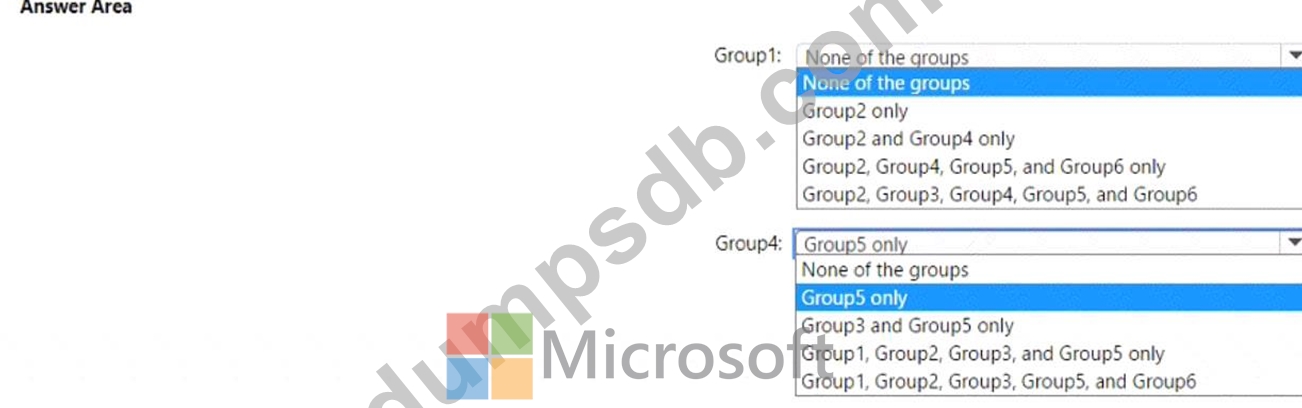

Question 207
You have a Microsoft 365 E5 tenant that connects to Microsoft Defender for Endpoint.
You have devices enrolled in Microsoft Intune as shown in the following table.
You plan to use risk levels in Microsoft Defender for Endpoint to identify whether a device is compliant.
Noncompliant devices must be blocked from accessing corporate resources.
You need to identify which devices can be onboarded to Microsoft Defender for Endpoint, and which Endpoint security policies must be configured.
What should you identify? To answer, select the appropriate options in the answer area.
NOTE: Each correct selection is worth one point.


Question 208
You have an Azure AD tenant that contains the users shown in the following table.
You enable self-service password reset for all users. You set Number of methods required to reset to 1, and you set Methods available to users to Security questions only.
What information must be configured for each user before the user can perform a self-service password reset?
To answer, select the appropriate options in the answer area.
NOTE: Each correct selection is worth one point.


Question 209
You have a Microsoft 365 E5 tenant that contains 500 Windows 10 devices and a Windows 10 compliance policy.
You deploy a third-party antivirus solution to the devices.
You need to ensure that the devices are marked as compliant.
Which three settings should you modify in the compliance policy? To answer, select the appropriate settings in the answer area.
NOTE: Each correct selection is worth one point.

Question 210
Note: This question is part of a series of questions that present the same scenario. Each question in the series contains a unique solution that might meet the stated goals. Some question sets might have more than one correct solution, while others might not have a correct solution.
After you answer a question in this section, you will NOT be able to return to it. As a result, these questions will not appear in the review screen.
Your network contains an on-premises Active Directory domain named contoso.com. The domain contains the users shown in the following table.
The domain syncs to an Azure AD tenant named contoso.com as shown in the exhibit. (Click the Exhibit tab.)
User2 fails to authenticate to Azure AD when signing in as [email protected].
You need to ensure that User2 can access the resources in Azure AD.
Solution: From the on-premises Active Directory domain, you set the UPN suffix for User2 to @contoso.com.
You instruct User2 to sign in as [email protected].
Does this meet the goal?